AmblyApp
Visual training through play with AmblyApp
Games, dichoptic modes, progress tracking, and daily training in one experience for web, desktop, mobile, and VR.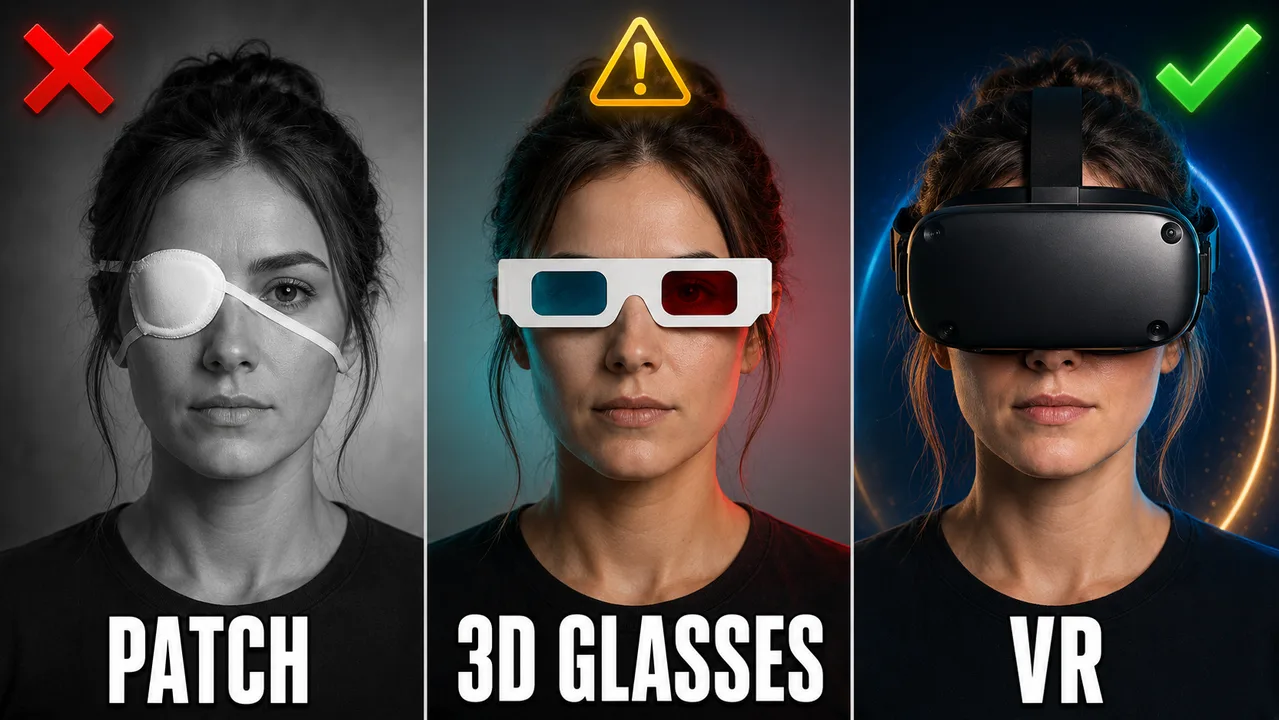
Ways to play
Dichoptic 3D filtering
Dichoptic filtering in VR
Dichoptic filtering in VR (spatial 3D video)
User guide
A short base for daily use.
- Sign in with the same email to keep training and synchronization.
- Free play is unlimited; only daily dichoptic filter time is counted.
- Adjust colors and transparency in Settings before long sessions.
- Training starts automatically when dichoptic filtering is used.
- Review progress in Training and export a PDF report.
- Rankings appear by game and mode without turning Ambly into a competitive platform.
- Use the native app if you want Babylon Native rendering or premium native content.
- If you feel visual fatigue, pause and reduce intensity or duration.
Downloads
Choose the version for your device. Unavailable platform links will appear when each build is published.